ARM Macs can (sometimes) easily debug iOS AppStore applications
Sun, Apr 5, 2026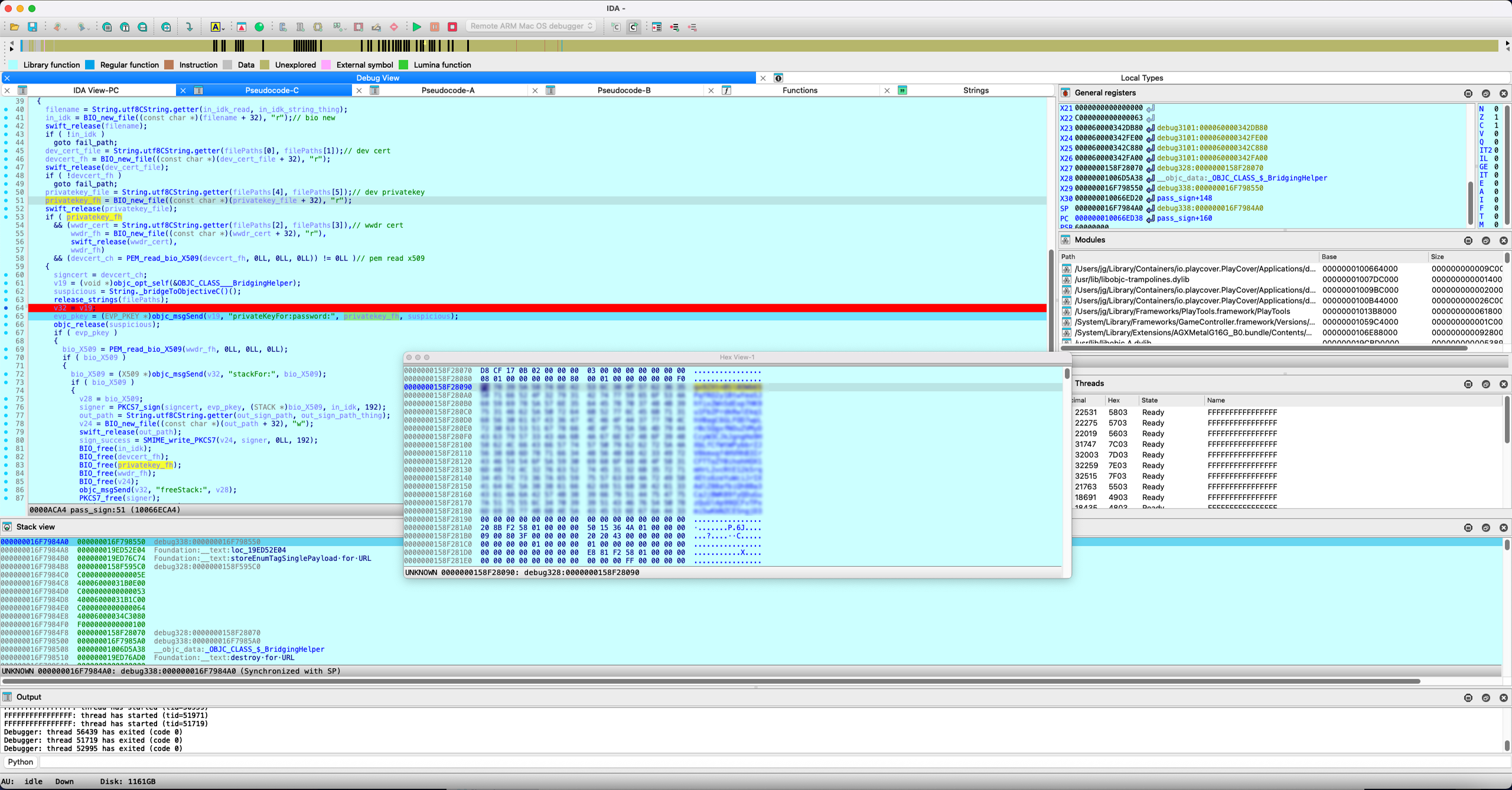
Caveats apply, but when it works, it works really well.
On a good day, iOS apps can be debugged on an ARM Mac painlessly. The secret sauce is PlayCover, which is a free, open-source tool that convinces ARM Macs to run iOS apps.
PlayCover takes in decrypted iOS applications, sets up an iPad-like environment for them, and then gets MacOS to run them. AppleSilicon Macs can actually run some iOS AppStore applications innately, but their FairPlay DRM will get in your way; the application package (IPA) is encrypted and bound to your AppleID, and when FairPlay actually decrypts it, the launched process is untouchable even as root.
Since PlayCover works with decrypted IPAs, the created processes are regular, debuggable ones that IDA can simply attach to. With this technique, the most difficult part of this method is now obtaining a decrypted dump of your target iOS application.
There are a bunch of websites that offer IPA decryption services. I picked decrypt.day at random. Not an endorsement; it’s stuffed with ads but it worked well for reasonably little effort. If you luck out and get your app dumped correctly, that’s probably most of the hard work done.
Case study: dumping a PassKit private key
This whole discovery and endeavour really started from iliana’s “Getting my library cards onto my phone the hard way” (fun read, go check that out!), because I, too, wanted to add a bunch of passes into my Wallet app.
I eventually found an app that generates passes offline, but the app developer went the extra mile to make static analysis more difficult. So why not try ye olde “set a breakpoint after decryption and dump the keys” right? That eventually worked, and the cover image of this post is a screenshot of the (blurred) keys.
- Get a dump of the app – you’ll probably want it for static analysis anyway
- Install and run it through PlayCover (!!) If you already had the same app installed through the AppStore natively and accidentally ran the native copy, you won’t be able to find/attach to that process.
- If done correctly, it should show up as a regular process on IDA, attach to it and do your thing
Anyway, after I managed to dump that private key, I stumbled upon another app, “Pass4Wallet”, which does an excellent job of creating custom passes for the price of free. No subscriptions, no ads, no in-app purchases, appears to work offline. Wish I found this sooner. ¯\_(ツ)_/¯